GimaoShiori
吉猫·书签
Private Bookmark Library, Permanent Web Archiving
Build your portable bookmark server, save web links across phones, tablets and computers, permanently archive webpage content - Mobile-Host
Built based on the open-source Shiori project (MIT License). Respect for original authors, no source code modifications
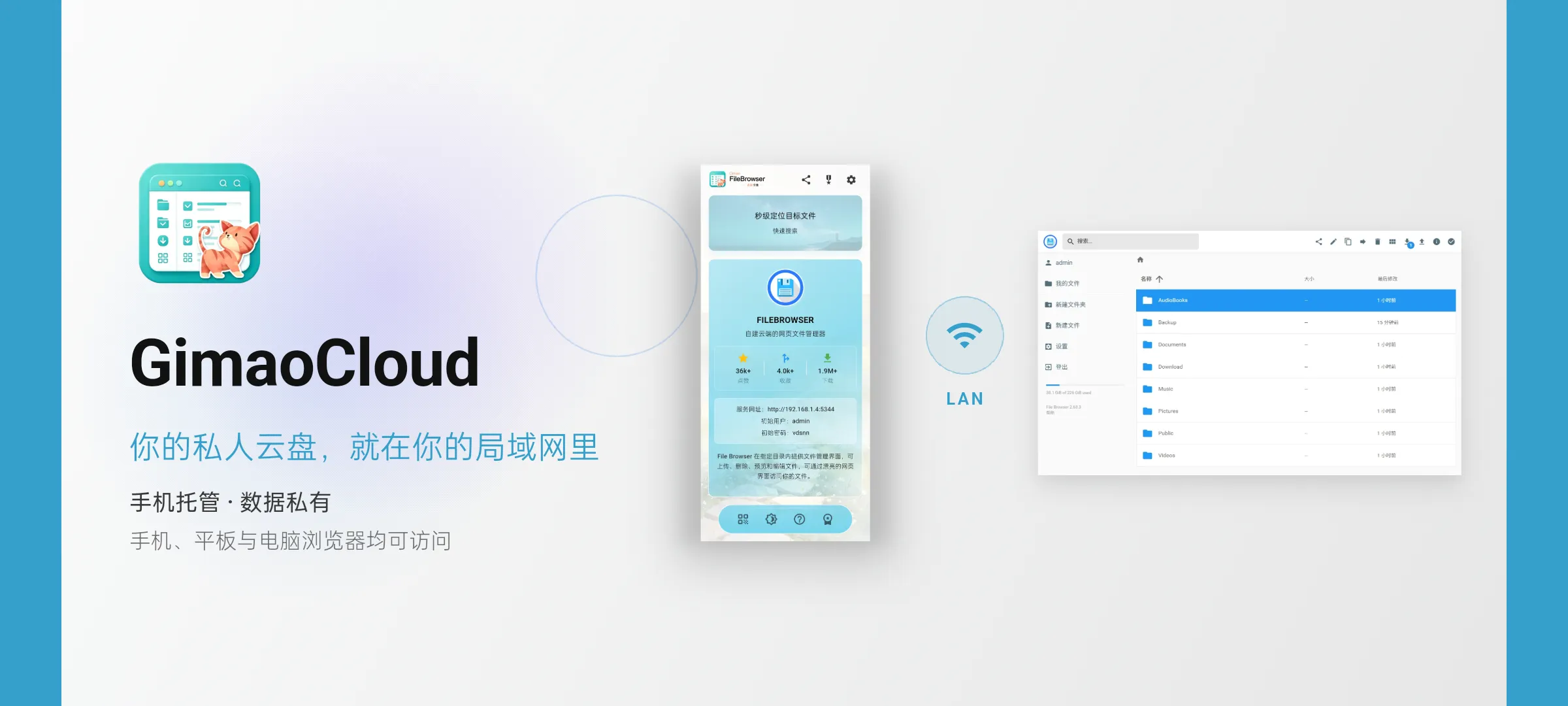
Phone-Hosted · Private Data
Accessible from browsers on phones, tablets and computers
Run your own bookmark service right on your phone. Bookmarks and web archive data remain fully private. Any device on the same network can access directly.
Use cases
The same app, used in very different ways. Here are the most typical ones.
Professionals
Industry news · Competitor research
Collect articles and competitor pages as you browse, then find them again with full-text search instead of hunting dead links.
Students
Papers · Course reading
Save references and course links with tags; when a page goes 404 the archived snapshot still opens.
Content creators
Story ideas · Interviews
File story ideas, cases and interview links by tag, then pull a whole set of material when you sit down to write.
Developers
Docs · Tool bookmarks
Keep docs, issues and tool links tagged, with offline snapshots so a dead link still tells you what it was.
Families
Home ideas · Shopping research
Keep renovation, recipe and travel links tagged and readable by everyone on the same Wi-Fi.
Key Features
From quick capture to reading it anywhere, these are the parts you will use every day.
Web Bookmarking
Save web links by entering URLs
Save webpages by entering URLs. Automatically fetch page titles, summaries and cover images. Tag support for organizing large collections of web links.
Offline Web Archiving
Save page snapshots to avoid broken links
Generate local webpage snapshots while bookmarking. If the original site goes offline or returns 404 errors, you can still open the full page offline and preserve valuable materials.

Full-text Search
Quick lookup by title, tag or content
Search across bookmark titles, tags and archived page content. Locate target webpages quickly in large collections, no matter how many resources you store.
Tag-based Organization
Custom tags to organize your knowledge base
Add custom tags to bookmarks for flexible grouping. A single webpage can have multiple tags, helping you organize reading materials from multiple perspectives.
Self-hosted · Fully Private
You are in full control of your bookmarks
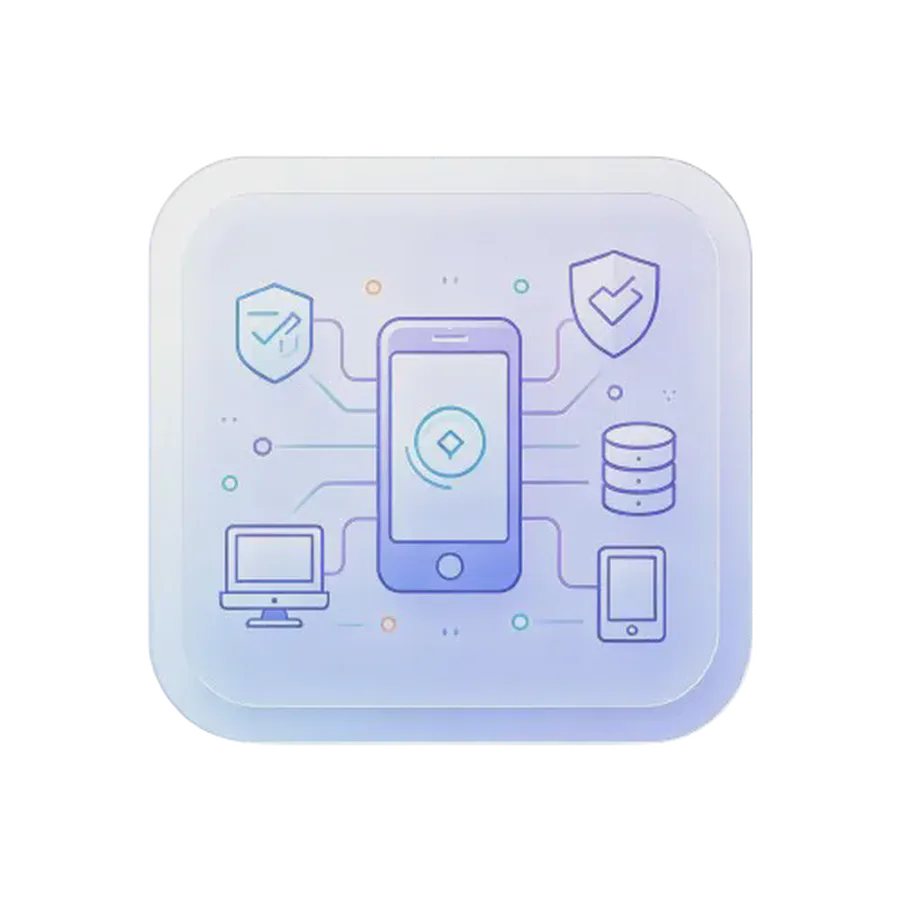
The bookmark service runs directly on your phone. Devices on the same local network can access it. No cloud, no third-party tracking. All saved data stays local. Free and open-source under the MIT License.
端侧服务
OnDevice
In plain terms, on-device means the software and your data run on hardware you own, not on a remote server. Gimao brings that to your phone: apps that used to need a rented server or a NAS now run directly on your Android device. The phone is the host, and everything from typing to saving happens on it — nothing is uploaded and no public IP is required.
No server bill
No VPS to rent and no NAS to buy — a spare phone is the host
No public IP
Reachable on your local network, with no ports exposed to the internet
No command line
Install and go: no Docker, no config files
Updates with the app
The service ships and upgrades together with the app
多端同步
Cross-device
The phone hosts, and any computer or tablet on the same network can open it in a browser. Capture on the phone, keep editing on the desktop — it is always the same content.
Direct over LAN
Same Wi-Fi, straight to the phone, no cloud in between
Browser as client
Desktops and tablets need no app, just the address
Always in sync
Change it once; other devices see it on refresh
USB tethering too
No Wi-Fi? Share the phone connection over USB
数据安全
Data privacy
Your data lives in a local database on the phone and never passes through our servers. No cloud account, no upload, no telemetry — and export gives you a complete backup you can take with you.
Local storage
Notes live in a database on the phone and work offline
No cloud account
Nothing to sign up for; the access password stays on the device
No telemetry
No analytics and no usage tracking
One-tap backup
Export a complete backup at any time and move devices freely
Frequently Asked Questions
There are several ways to put both devices on the same network:
- Connect both to the same Wi‑Fi network.
- Let your computer join your phone’s personal hotspot.
- Share your phone’s connection via USB tethering.
- Link the phone and computer with an external network adapter.
Once connected, open the GimaoShiori address shown inside the App in your computer browser.
Please check these items:
- Confirm computer and phone are on the same network.
- Verify GimaoShiori service is running.
- Disable proxy settings in your computer browser.
- Ensure the IP address and port entered match what is shown in the App.
- Allow GimaoShiori through your phone firewall if prompted by the system.
Android system restrictions may shut down GimaoShiori when running in background.
Fix 1 – Low power mode: Phone → Multi-device access → Enable low power mode.
Fix 2 – Grant higher permissions: Settings → Permission requests → Allow all required permissions.
Fix 3 – Disable battery optimization: System Settings → Apps → GimaoShiori → Battery → Unrestricted.
By default, only devices within the same local network can access it, and login with username and password is required. You can:
- Set a strong admin password.
Do not expose the service directly to the public internet to prevent unauthorized access and protect your bookmark privacy.
Normal bookmarks only save URLs. Once the webpage gets deleted or the link breaks, you lose access. Web archiving saves webpage text and images locally on your phone. Even if the original website shuts down, you can still open this offline archive and read the content.
All bookmarks, tags and web archives are saved locally in your phone storage. GimaoShiori is just a local bookmark service running on your phone. It will never upload your collections to any cloud or third-party servers. Even if you stop the service or disconnect the network, your archived content remains stored on your phone.
GimaoShiori is designed by default for devices on the same local area network, ready to use out of the box.
For remote access over public internet, you may manually configure NAT traversal or port forwarding. Please note: exposing the service to public internet introduces security risks. Only enable it when absolutely necessary and protect your account with a strong password.