Mobile-Hosted
Mobile-Hosted
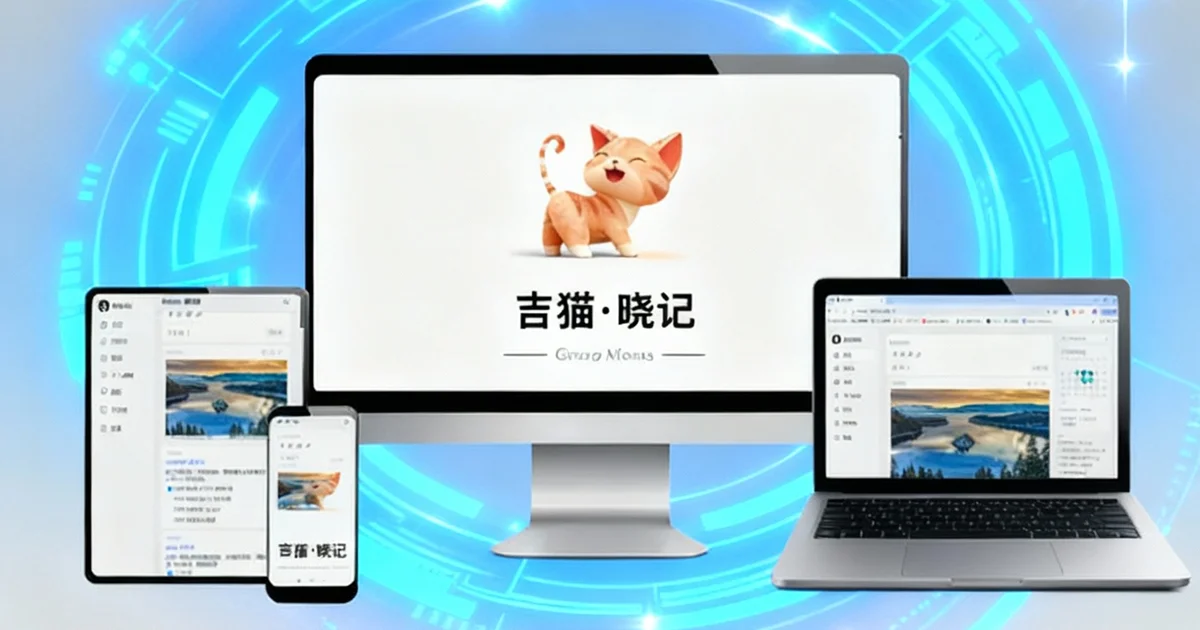
Mobile-Hosted = Turn your phone into a "private safe" + "portable server".
Mobile-hosted VS SAAS
| Key Features | Mobile-hosted | SAAS |
|---|---|---|
| Deployment Cost | Zero Cost Phone as server, no extra purchase/subscription | Recurring Subscription Fees Monthly/annual membership, extra fees for premium features |
| Data Security | 100% Self-controlled Data owned by user, backup/delete anytime | Platform-controlled Service suspendable by platform, no self-control over data |
| Data Privacy | 100% Local & Private Data stored only on phone, no cloud upload, zero privacy leakage | Third-party Hosted Data stored on platform servers, risk of leakage/review |
| Network Dependence | Fully Offline Usable Works without network, LAN-only for cross-device access | Strong Network Dependence No sync without network, most features limited |
| Deployment Difficulty | Zero Threshold Use immediately after app download, no technical configuration | Low Threshold Use immediately after account registration, no technical skills required |
| Maintenance Cost | Zero Maintenance Auto app updates, no manual operation needed | Zero Maintenance Technical maintenance by platform, no user involvement |
| Data Migration | One-click Free Migration Local file backup, unlimited cross-device import/export | Platform Format Restrictions Only supports specified formats, bulk migration forbidden on some platforms |
| Device Limitation | No Device Quantity Limit Sync across multiple phones/tablets, no extra charges | Multi-device Unlocked by Membership Device limit on free version, multi-device sync only for members |
Phone to Private Cloud Instantly
Enable Cross-Device Sync to access your data freely within the local network
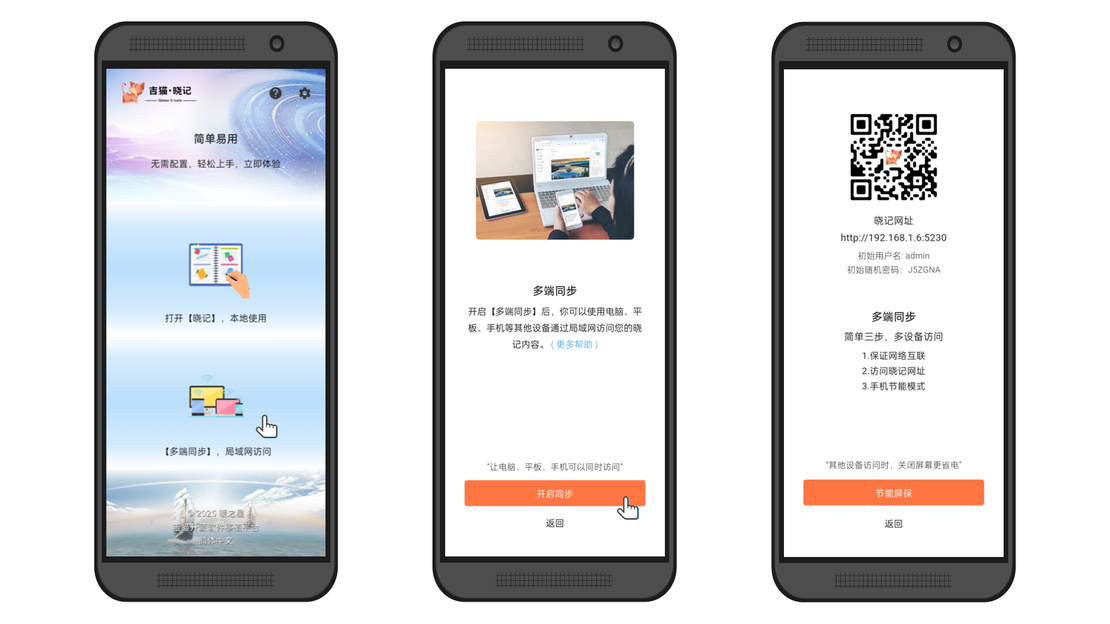
Launch Gimao Software
Download the Gimao series Android apps from the official Gimao Technology website or app marketplaces. Enable Cross-Device Sync on the app's home page.
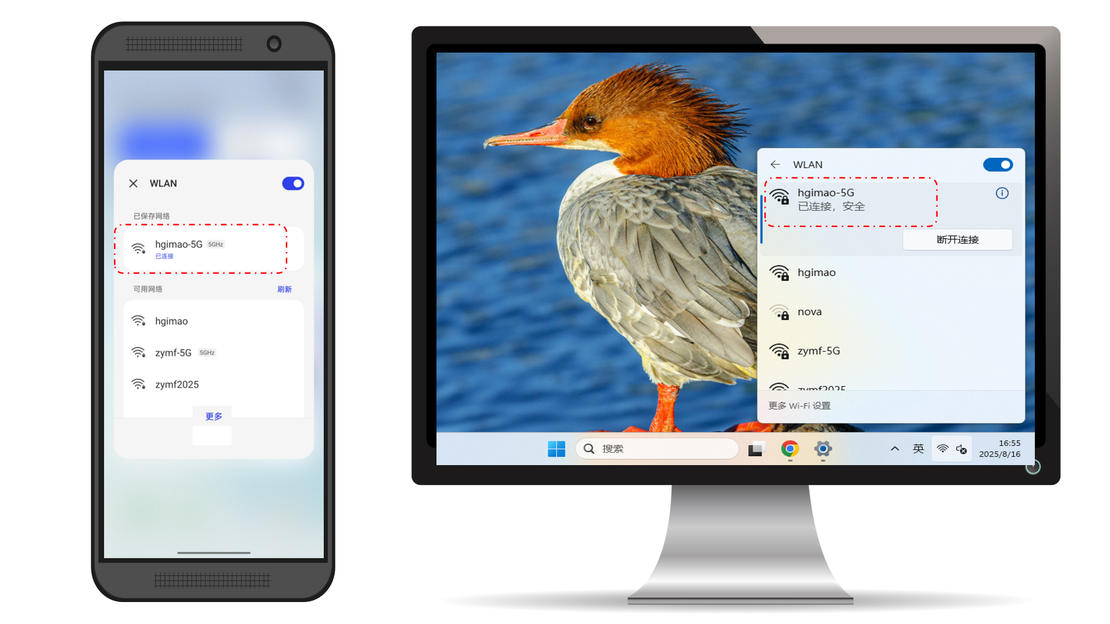
Network Connection
Connect your computer or other devices to the same WIFI as the phone with Gimao series software installed to ensure a stable network connection.
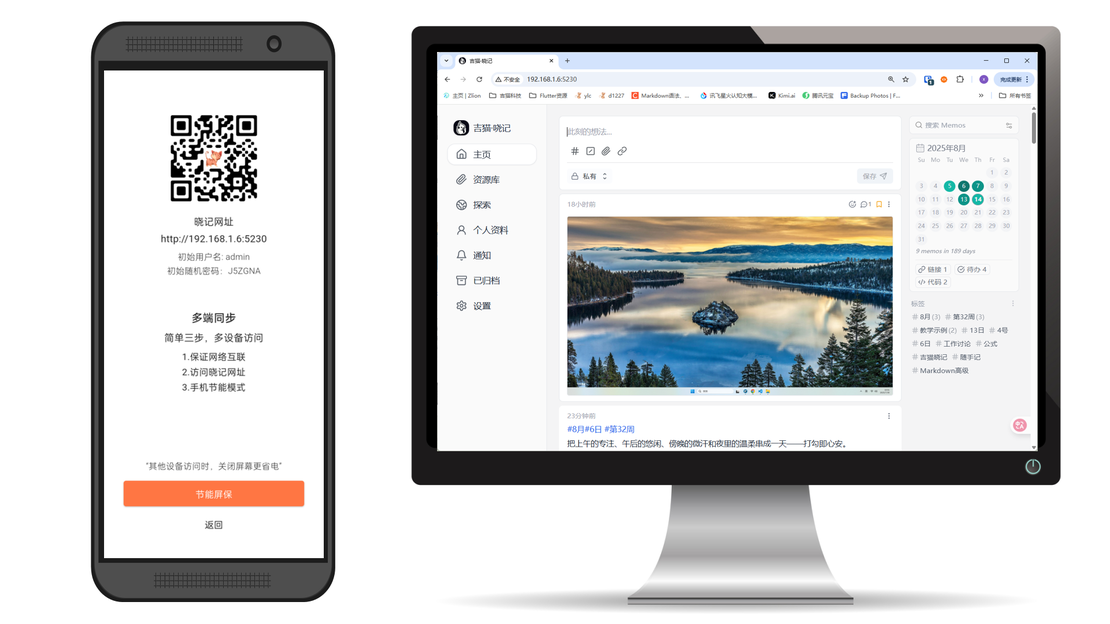
Access the Mobile-Hosted Service
Open a browser on your device and access the service URL to enjoy your secure, personal Mobile-Hosted service.
List of open-source software that have been ported
Frequently Asked Questions
Answers to common questions about our products and services
Gimao is an open-source brand focused on Mobile-hosted technology.
Mobile-hosted is an architectural paradigm proposed by Gimao, which means running the server directly on mobile devices.