Gimao-Blog
Gimao Blog
Gimao Blog continuously updates practical mobile-side implementations of open-source software: hands-on tutorials for Gimao Memo account management, data import/export, cross-device sync, family shared calendars, whiteboard notes, and more. Help you master private cloud without command lines and unlock the power of open-source technology.
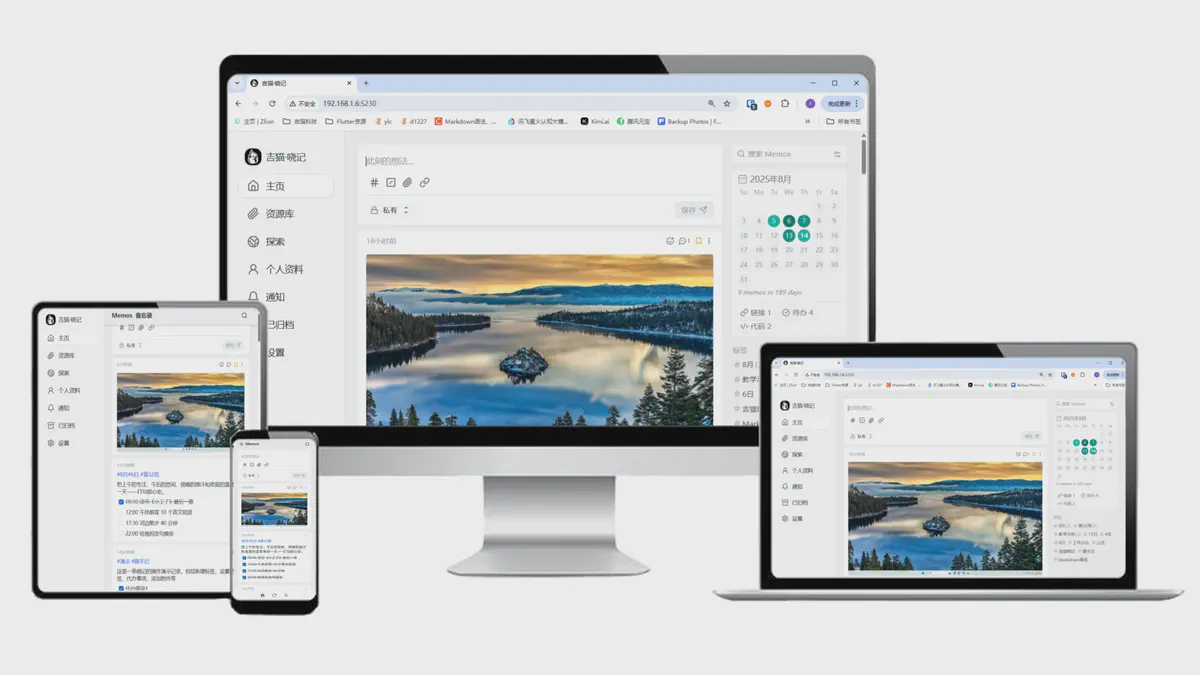
I. Core Positioning Gimao Memos is an Android version developed by Gimao Technology based on the open-source project …
Gimao Memos vs Mainstream Note-Taking Tools: The Best Data Security Choice for Average Users
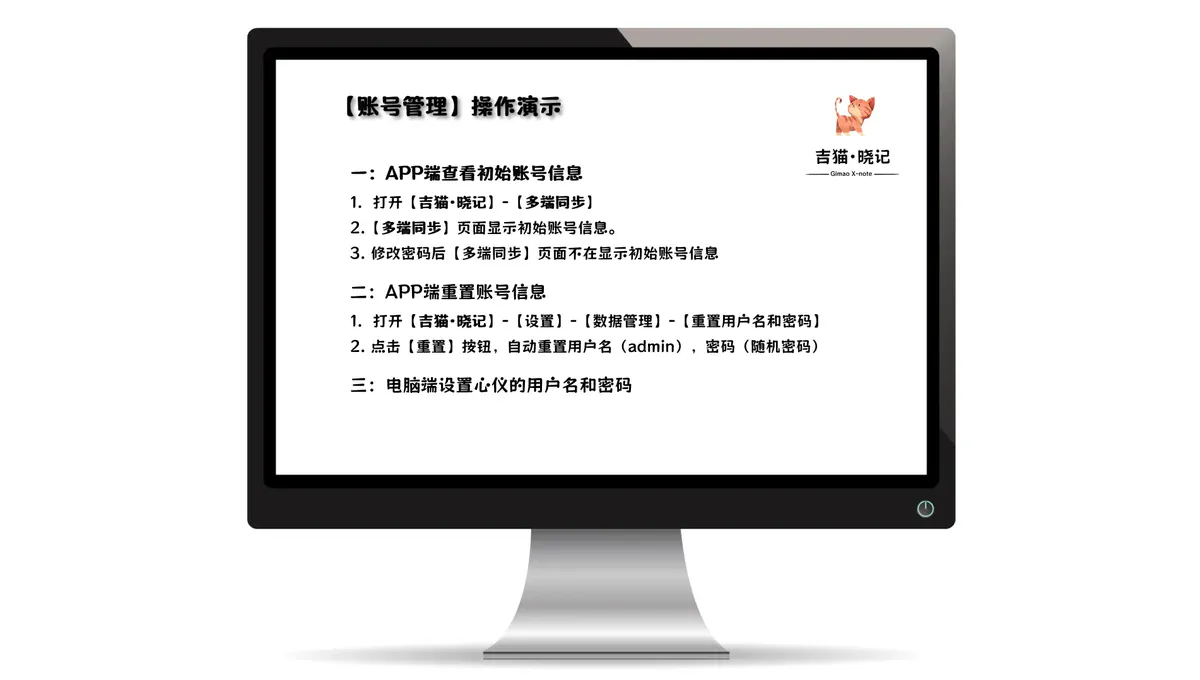
View Initial Account Information in the App Reset Account Information in the App
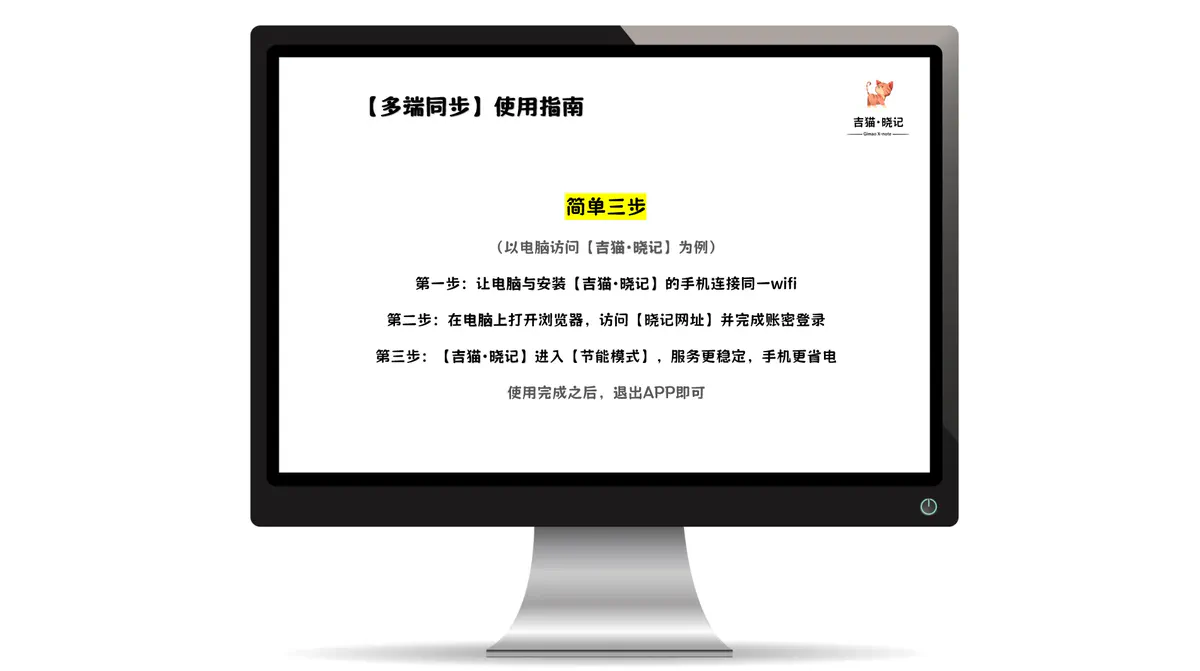
Step 1: Connect your computer and the phone with Gimao Memo installed to the same Wi-Fi network
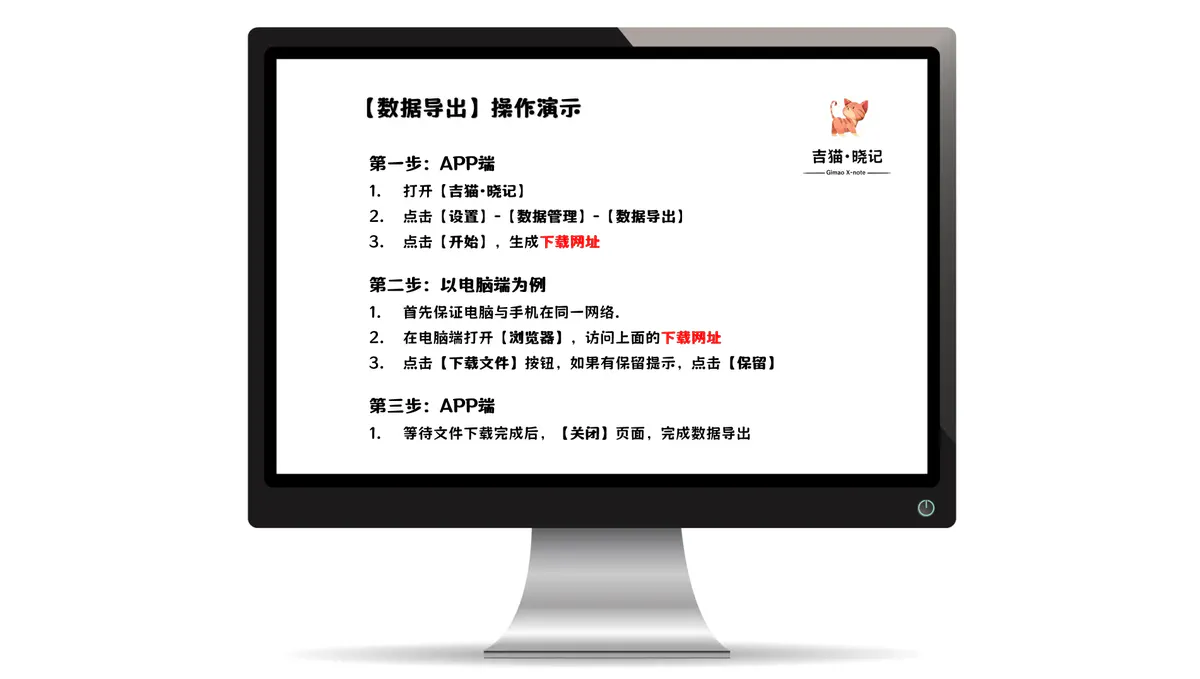
Step 1: Open Data Export on the Mobile App Step 2: Save Data Backup Files (PC Example)
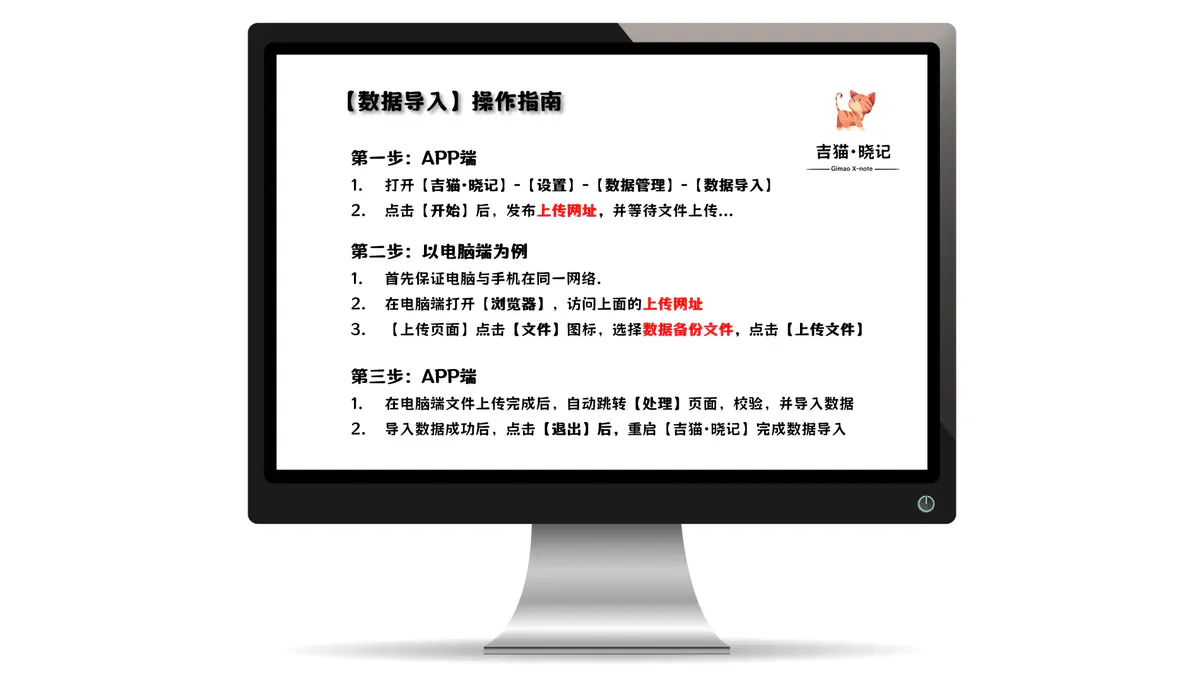
Step 1: Initiate Data Import on the Mobile App Step 2: Upload Data Backup Files (PC Example)
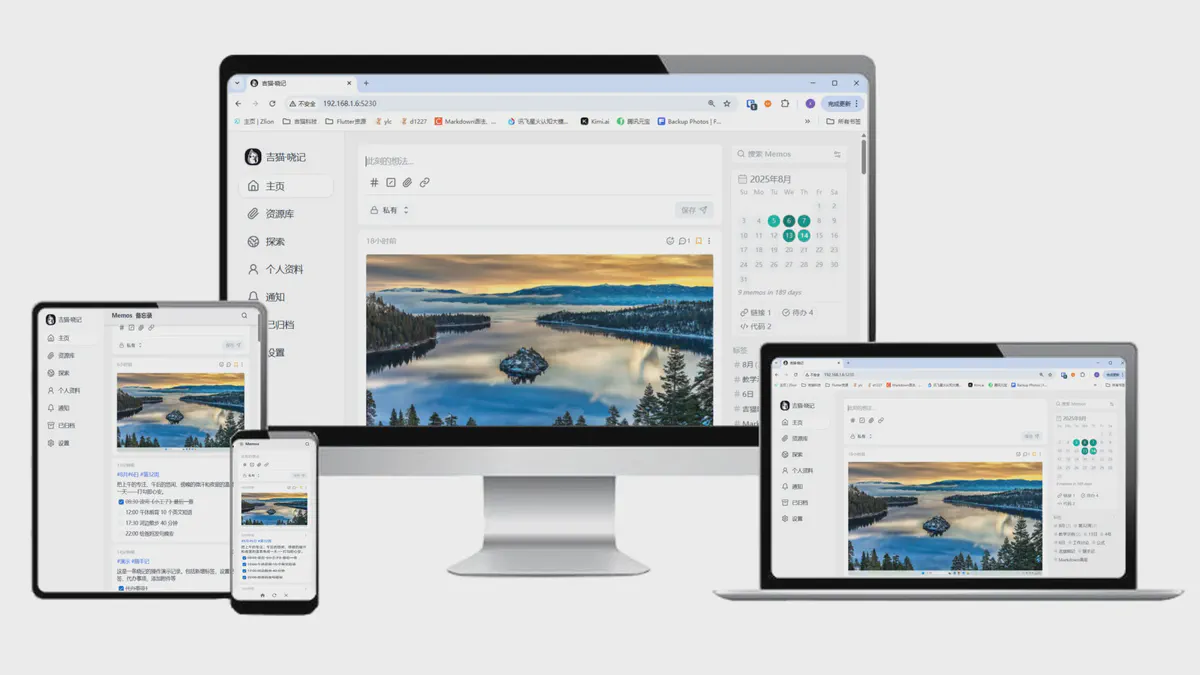
Step-by-step guide to Gimao Memo: add tags, to-do items, attachments; search/classify by tags, comment on to-dos, and …

Last late autumn, Mr. Zhang, a 45-year-old career professional, missed his wife’s birthday due to a tight project …

In daily work, small-scale whiteboard discussions are a common and important collaboration scenario. However, …

In the era of digital learning, we often need to register accounts on various platforms—whether it’s online course …